
Make the surprise unmistakably yours
A raised eyebrow or a wide-eyed pause can do the talking. Add your face to a reaction that already has the right timing, whether you are genuinely surprised or just playing along.

Make a familiar reaction your own with an AI GIF face swap. Upload a GIF and one reference photo, then give the moment a different face—without installing an editor.
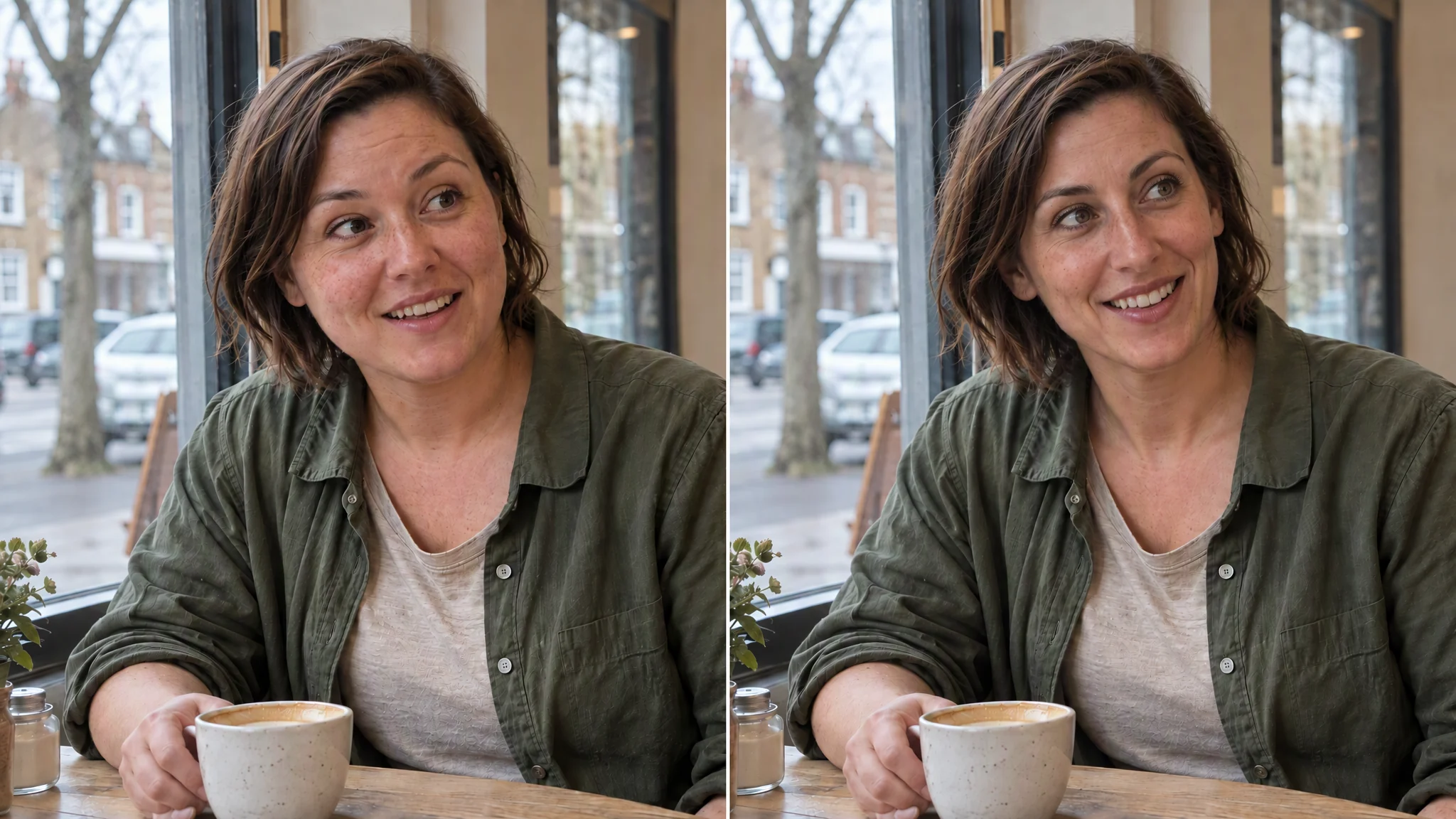
A reference portrait is introduced before a face changes in an outdoor scene, followed by a sequence of animated scenes. Generated with the Aifaceswap tool; presented here as an MP4 demonstration. The still images below illustrate reaction ideas and photo choices; use the tool above to make and download your own GIF.
A reaction is more than a face. Choose the look, pause or little celebration that says what you mean. These still illustrations offer a few starting points.
A raised eyebrow or a wide-eyed pause can do the talking. Add your face to a reaction that already has the right timing, whether you are genuinely surprised or just playing along.

Not every reaction needs to be dramatic. A sideways glance or a small smile can make a familiar GIF feel like your own private joke.

Give a little victory its own reaction. Pick a celebration GIF, use a clear portrait and send something more personal than the same stock reply.
A focused GIF face swapper for trying a personal reaction—not another editor to learn before you can make something fun.
Start with a GIF and one still reference photo. There are no timelines or layers to arrange, and no app to install. You can begin without creating an account; human verification may be required.
You get 10 free credits a day, shared across the tools. A single-face GIF task costs 2 credits. The allowance refreshes at 9 a.m. New York time; signing in does not create a second daily allocation.
Completed GIFs download without a watermark. Save the file within one hour, then open it and watch the animation before sharing. The tool personalizes an existing reaction rather than creating a new performance from a still photo.


A good source and a well-chosen portrait give you a better starting point. Here is what to look for before you generate, and what to check afterward.
Use a GIF in which the person’s features are visible. Tiny faces, heavy compression, motion blur and hands passing over the face can make detection and replacement harder. A clearer original is a better starting point than trying to repair missing detail afterward.
Choose a sharp, evenly lit reference photo with an unobstructed face. A similar face angle is helpful, especially when the person in the GIF turns sideways. Strong filters and deep shadows can make it harder to judge the match.
Watch the completed GIF through a full cycle. Look at blinking, fast turns, occlusion and the jump back to the beginning. If something looks off, check the selected person and try a more suitable portrait or source. HD is optional; it is not a promise to restore detail the original never had.
Start with an animated original and a still portrait. There is no need to arrange frames or build an animation from scratch.
Keep GIF and Single Face selected. Add an original GIF up to 100 MB. You can upload the original file even when a browser preview is unavailable. Choose a reaction with a visible face and timing that suits your idea.
Upload one still portrait up to 20 MB. This is the face you want to use. Choose a clear photo rather than a group picture or another animation.
Click Generate. If the tool asks you to choose a person, select one and click Generate again to continue the same task. Watch the result, then save your watermark-free GIF within one hour of completion.
What people enjoy about making familiar reactions their own.
Such a fun way to make reaction GIFs feel personal! The face swap gives the expression a completely different personality, which is exactly what I love about it. The process is refreshingly straightforward, too. I can focus on making something funny instead of figuring out a complicated editor.
This gets straight to the point, and I mean that as a compliment. Upload a GIF, add a reference face, and get creative—without digging through editing menus. I especially appreciate being able to work in the browser. A great little tool for making a familiar reaction your own.
The watermark-free download is my favorite detail. A personalized GIF looks so much better without branding distracting from the face and expression. I love that the tool keeps the attention on what you’re creating. Simple, playful, and much more interesting than sending another standard reaction.
What a brilliant format for face swapping. A still picture gives you one expression; a GIF gives you the whole reaction. That extra movement is what makes it so entertaining. I love being able to put a familiar face into a familiar moment and give it an entirely new meaning.
Finally, something creative that doesn’t feel like homework. I don’t want to learn timelines, layers, or animation settings just to personalize a GIF. This keeps the task focused and approachable. The no-sign-up option is a lovely bonus—it makes getting started feel as easy as it should.
Expressions are everything in a reaction GIF, and that’s what makes this so much fun to play with. An exaggerated smile or dramatic stare becomes a different joke with a different face. I love the creative possibilities here. It’s an entertaining way to make something instantly recognizable feel fresh.
Being able to try it with free credits is a big plus. I appreciate getting a chance to explore a creative tool before making a commitment. The browser-based setup and watermark-free downloads make the offer even better. It’s a welcoming, straightforward approach that makes me want to keep experimenting.
The appeal is immediate: take a reaction everyone knows and make it unmistakably yours. That’s a fantastic creative starting point. I like that this is a dedicated GIF tool rather than an editing suite packed with distractions. Focused features, plenty of personality, and a genuinely fun reason to get creative.
Yes. You can start online without creating an account or installing an app. Start with the shared daily allowance of 10 free credits. Completed GIFs download without a watermark. Human verification may be required before processing.
A single-face GIF task uses 2 credits. You get 10 free credits per day, shared across the tools, refreshing at 9 a.m. New York time. Guest use and a linked account share that allowance; signing in does not give you another daily allocation. If a person-selection step appears, continuing it uses the same task reservation, not a second charge. Failed tasks release their reservation.
Upload an original GIF up to 100 MB and one still reference photo up to 20 MB. Reference photos support JPG/JPEG, MPO, PNG, WebP, HEIC, HEIF, AVIF, BMP and TIFF. You can upload the original file even when a browser preview is unavailable. Use a still portrait rather than an animated GIF for the reference. For a video source, use video face swap.
Choose a GIF with a visible face and add a clear photo of the face you want to use. Click Generate. If the tool returns detected-person thumbnails, select one person and click Generate again to continue. When the result is ready, watch the full animation and download it. For a still original rather than an animation, use photo face swap.
Single Face uses one reference photo for one person, not everyone in the GIF. If a selection is needed, choose one of the detected-person thumbnails. Only the selected person is submitted for replacement. Review that person and the overall scene through a full loop.
Use AI multiple face swap for GIFs when you want to replace several people in the same animation, each with a separate reference photo. This page is for one person and one reference. The multiple face swap overview also explains the group photo and video options.
The face may be too small, turned away, blurred or hidden behind something. Try an original GIF with clearer, more visible features. Changing the reference portrait will not fix a person missing from the original analysis. There is no manual add-person control for a face that was not detected.
Check that the reference belongs to the intended person, then look at the frames where the problem appears. Fast turns, occlusion and a heavily compressed source can make a swap less consistent. Try a sharper, evenly lit portrait at a similar angle, or a clearer GIF. Choose an original with timing that suits your reaction, then check the transition from the last frame back to the first.
HD is an optional processing setting, off by default. It does not guarantee a fixed resolution or restore detail missing from the source. If your system requests reduced motion, image previews in the tool show a still frame. That display preference does not turn the downloaded GIF into a still photo; check it in a viewer with animation enabled.
The completed result is an animated GIF without a watermark. GIFs have no audio track, so the download does not contain speech or music. The MP4 demonstration on this page is a presentation of our tool’s output, not the file format you receive from a GIF task.
An accepted running task can be restored after a refresh when the service recognizes the same user or guest. Files you have only selected locally do not survive a full reload. Save the completed result within one hour; History is not a permanent archive and does not restore completed downloads after a refresh. See the Privacy Policy for upload and service-data retention.
Use GIFs and portraits you have permission to edit, with the consent of the people whose likenesses you use. Check the full animation and make clear that it is edited when sharing it; do not imply a real event or endorsement. Files are processed online, so choose material you are comfortable uploading. If you need help, contact support@aifaceswap.tools.
Find a reaction that fits, add your portrait and make it personal. Start with free daily credits, no sign-up required, and save your GIF without a watermark.


